2026-09-16 · StackFill
Print Shop Reorder System: Make the File Do the Work
Stop re-editing files on every repeat job. A structured print shop reorder system turns your finished PDF into a fill-once, print-every-time template.
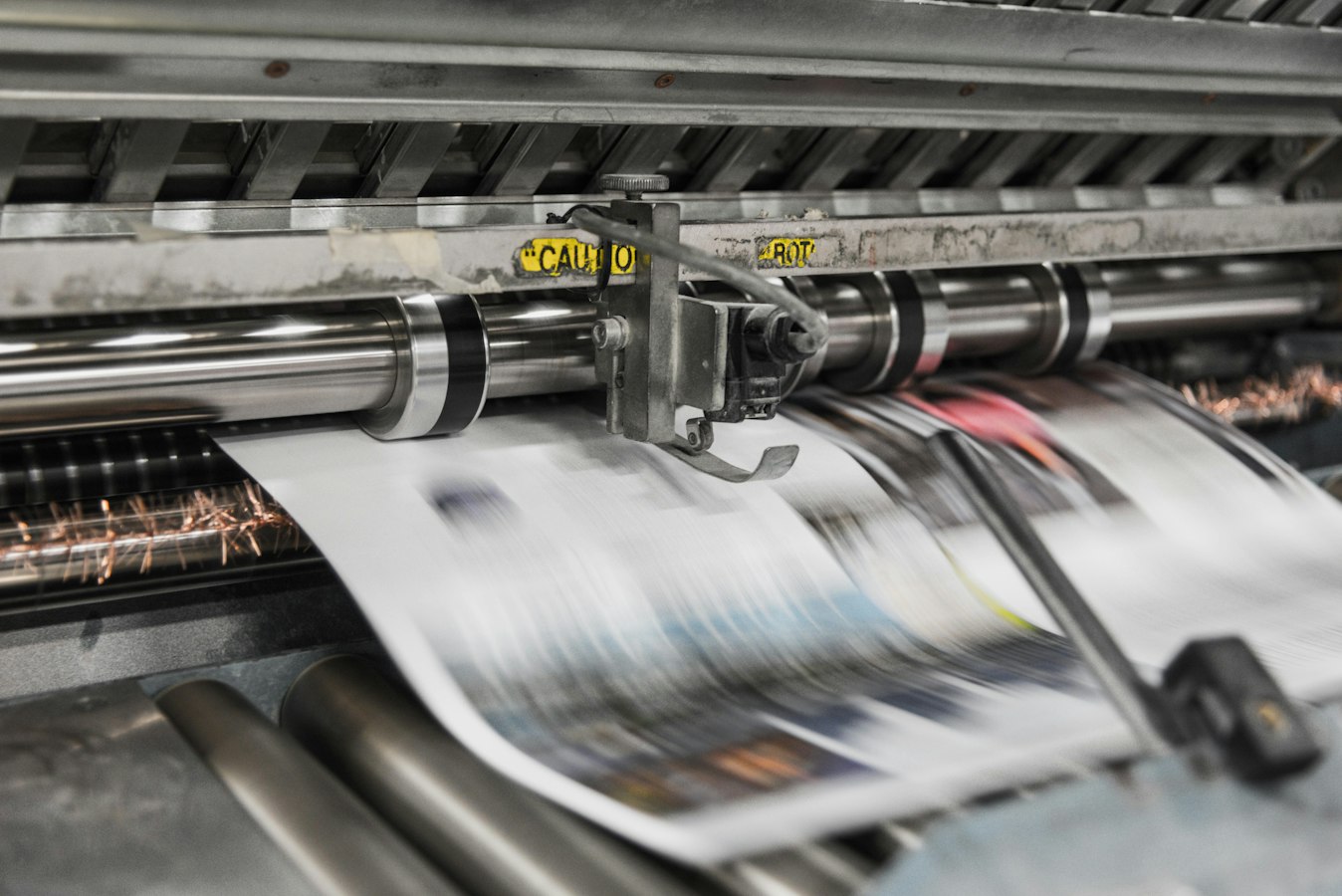
Print Shop Reorder System: Make the File Do the Work on Repeat
Most print shops treat every reorder like a brand-new job. A customer calls back for more business cards or another run of flyers, and someone has to hunt down the original file, figure out which version is current, re-edit the customer's name or phone number, and run preflight all over again. That process might take 20 minutes. It might take two hours. Either way, you are doing the same work twice for the same customer.
A proper print shop reorder system changes that. The goal is simple: the second order should take minutes, not hours, because the file already knows what to do.
Why Reorders Still Eat Shop Time
Reorders feel like easy money until you look at the actual labor. The design is approved. The press settings are known. The customer is not new. But the file is treated as if none of that history exists.
The root cause is almost always file storage without structure. A folder full of flat PDFs tells you nothing about which elements change between orders and which ones stay fixed. So every reorder starts from the same place: open the file, find the text, edit it manually, export again, and preflight from scratch.
Multiply that across a week of repeat customers and the cost adds up fast. See the Print Shop Reorder Workflow: Stop Re-Editing Files article for a closer look at where that time actually goes.
The Real Problem: Files That Don't Remember Anything
A flat PDF is a finished object. It does not know that the customer's phone number is different this time. It does not know which layer holds the address block and which layer holds the background that should never change. It does not know anything, because nobody told it anything.
This is the core failure of most shop workflows. The knowledge about what can change lives in a person's head, not in the file. When that person is busy, on leave, or just gone, the reorder either stalls or goes wrong.
Structural problems downstream compound this. If the original file had font embedding issues or bleed inconsistencies, every reorder inherits those problems. PDF Font Embedding for Print: Fix It Before Press covers the most common font issues that resurface on repeat jobs, and PDF Bleed and Trim Setup: Print Shop Reference handles the bleed side. Both are worth resolving at the template level so you stop fixing the same file over and over.
What a Reorder System Actually Needs to Do
A reorder system is not just organized file storage. It needs to do three things:
- Separate what changes from what does not. The design, bleed, overprint settings, and spot colors are fixed. The customer's name, address, or promo text is variable. A real system enforces that separation.
- Let the customer (or your staff) fill in only the variable parts. No full file edit. No risk of accidentally moving a locked element.
- Output a press-ready file automatically. The result should be a CMYK PDF that is ready to preflight and run, not a starting point for more manual work.
Without all three, you still have a manual process. You have just moved some of the steps around.
Use the Finished PDF as Your Reorder Engine
The fastest path to a working reorder system is to structure the PDF you already have. You do not need to recreate the design in a new editor or rebuild the template from scratch. The finished PDF your designer or prepress team produced is the right starting point.
The practical approach: identify which text blocks change between orders, mark them as fillable fields, and lock everything else. From that point forward, every reorder is a fill-in, not a redesign. The customer or your staff enters the new details against a live proof, and the output is a byte-identical, press-ready PDF.
This approach also solves the preflight loop. If the base file is correct, the filled version inherits that correctness. You are not re-preflighting a new file each time. You are verifying a fill against a known-good structure.
For shops running variable data across a customer list, Variable Data Printing From a Finished PDF shows how this same principle scales beyond single orders.
How StackFill Fits Into This Without Changing Your Workflow
StackFill is built specifically for this problem. You bring the finished print PDF. StackFill ingests it into a structured scene graph, so you can mark which elements customers may edit and lock the rest. The customer fills in their details against a live proof and downloads a press-ready CMYK PDF. Nobody rebuilds the design. Your production workflow does not change.
The key for reorders: once the template is set up, every subsequent order is just a fill. The locked design stays intact. The CMYK values, spot colors, and bleed are preserved from the original file. What changes is only what you said could change.
If you want to see the full workflow before committing, the how it works page walks through each step in plain terms.
Set It Up Once, Fill It Every Time
The setup investment is front-loaded and small. You ingest the finished PDF, mark the fillable fields, and publish the template. After that, the file does the reorder work.
For shops handling high-volume repeat customers, this is where the labor savings become obvious. A customer who reorders business cards four times a year stops generating four separate edit-and-preflight sessions. They fill the template, approve the proof, and the press-ready file comes out the other side.
The same logic applies to any repeat collateral: rack cards, door hangers, appointment reminder cards, seasonal flyers. If the design is fixed and only the details change, the template should carry that knowledge permanently.
That is what a print shop reorder system actually means. Not a folder with better naming conventions. Not a ticketing system that tracks jobs. A structured template that does the work on repeat, so your shop's time goes to printing, not re-editing.